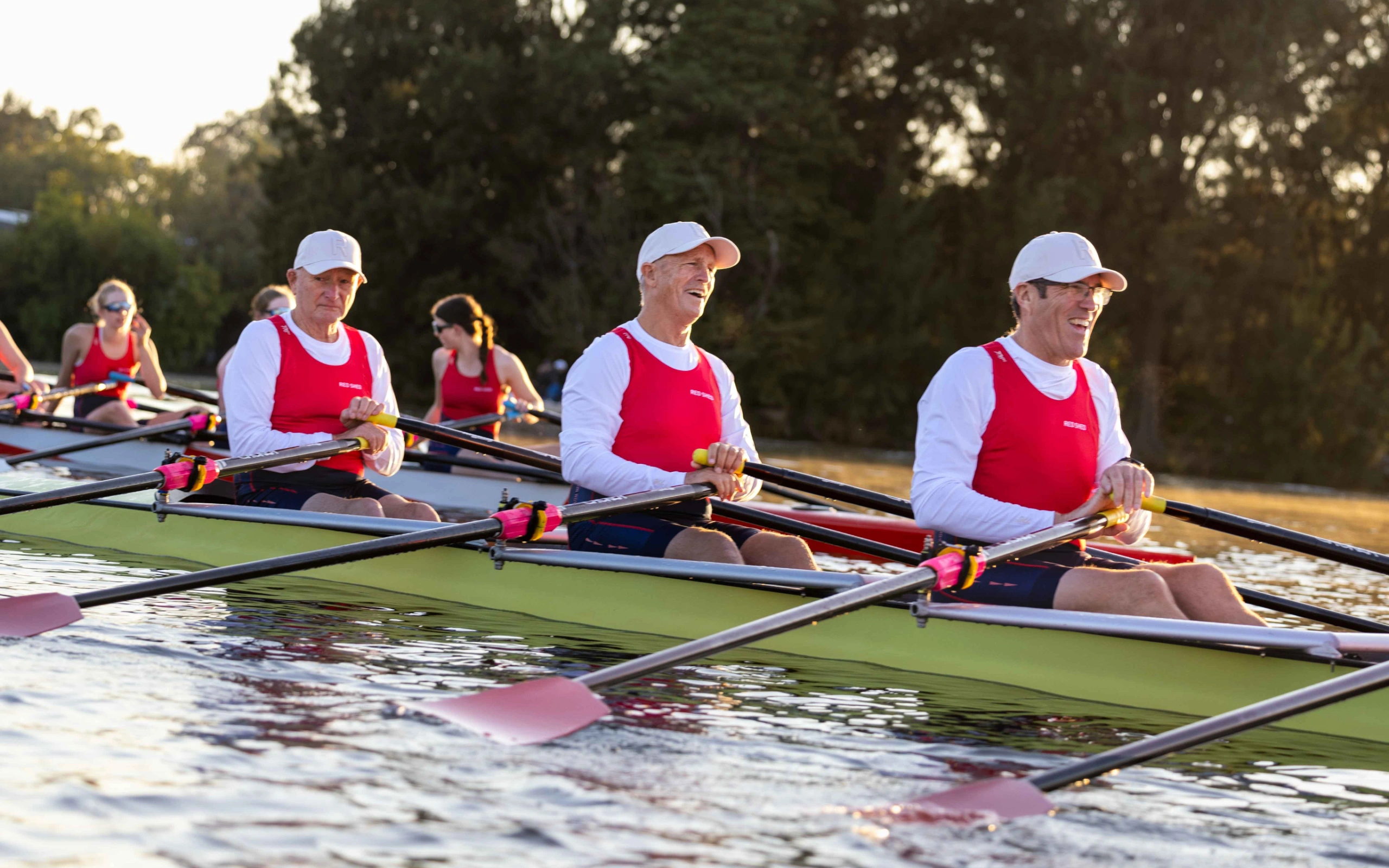
Looking for an active and exciting way to spend the school holidays? Our program is designed for children in year 7 and above; to helping young athletes build confidence, fitness, teamwork, and rowing skills in a fun and supportive environment.
Whether your child is brand new to rowing or looking to continue developing their technique, our programs cater to a range of experience levels and focus on skill development, enjoyment, and connection through sport.
Ready to jump in the boat and experience what it’s like to be part of a crew?
Our next available programs run from 6th to 10th, and 13th to 17th July 2026.
You can view available session times for the mentioned programs by selecting the “All Classes” drop-down menu below.
School Holiday Program FAQs
1What is Included in the School Holiday Program?
The program will run from 9:00 AM to 12:00 PM, and 1:00 PM to 4:00 PM each day, including an on-water and land session on most days. In addition to developing rowing competency, participants will learn new skills, work collaboratively in a team, embark in outdoor activities, and meet new people.
If you have any further questions, please do not hesitate to contact info@redshed.org.au
2Can I do it?
This program is for secondary school children year 7 and above.
There are two programs on offer:
> Learn to Row – Never rowed before (0-1 year experience) > Experienced High School Rowers – Currently rowing and have 1+ years of experience
Children must be able to swim 50m fully clothes as a competency as rowing is a water sport.
If you have any further questions, please do not hesitate to contact info@redshed.org.au
3How do I register?
To get started, please visit Red Shed’s Mindbody website through a browser. The Mindbody App will not allow you to proceed with course enrollments. Please ensure you purchase ONE program per transaction to ensure the enrollment successfully completes.
OPTION 1:
Log in as yourself to book for your child 1. Log in to Red Shed’s Mindbody site using your own credentials. 2. Click on the Enrollments tab. 3. Click the Sign Up Now! button for the appropriate course. 4. Click the Enroll – [name of your child] button.
5. Select Check Out to proceed with payment. 6. Enter or select your payment information, then click Place Order.
Note: Child accounts must be verified and linked to your Mindbody profile before proceeding with payment. If you are unsure whether your child’s account is linked, please contact Red Shed via info@redshed.org.au before purchasing a course.
OPTION 2:
Log in as your child to book 1. Sign in to Mindbody using your child’s email address and account password. 2. Go to Enrolments. 3. Select the course, choose the dates, and click Enroll.
4. Complete the checkout — the enrolment will go directly under your child’s profile
If you have any further questions, please do not hesitate to contact info@redshed.org.au
4Late pick up policy
Children must be collected within 15 minutes of scheduled finish time. A penalty fee of $15 per 15 minutes will apply if this does not occur.
If you have any further questions, please do not hesitate to contact info@redshed.org.au
Key components of the Holiday Rowing Programs for Public Schools include: